
PinkGalaxy
Version -Multiple account profiles, optional proxies, NPC hunting, Movement AI, scheduling and a client that stays fully visible.
 AloBot
Game automation
Automation for the games you play.
Manage farming, combat, schedules and game profiles from one desktop client. Keep the game visible and follow every action through the live tactical view.
Currently supported
Manage access, licenses and settings for every supported game through one AloBot account. Each game has its own module and features.
Multiple account profiles, optional proxies, NPC hunting, Movement AI, scheduling and a client that stays fully visible.
Box collection, NPC hunting, map handling, scheduling, game-specific settings and a client that stays fully visible.
More games coming soon.
In-game control
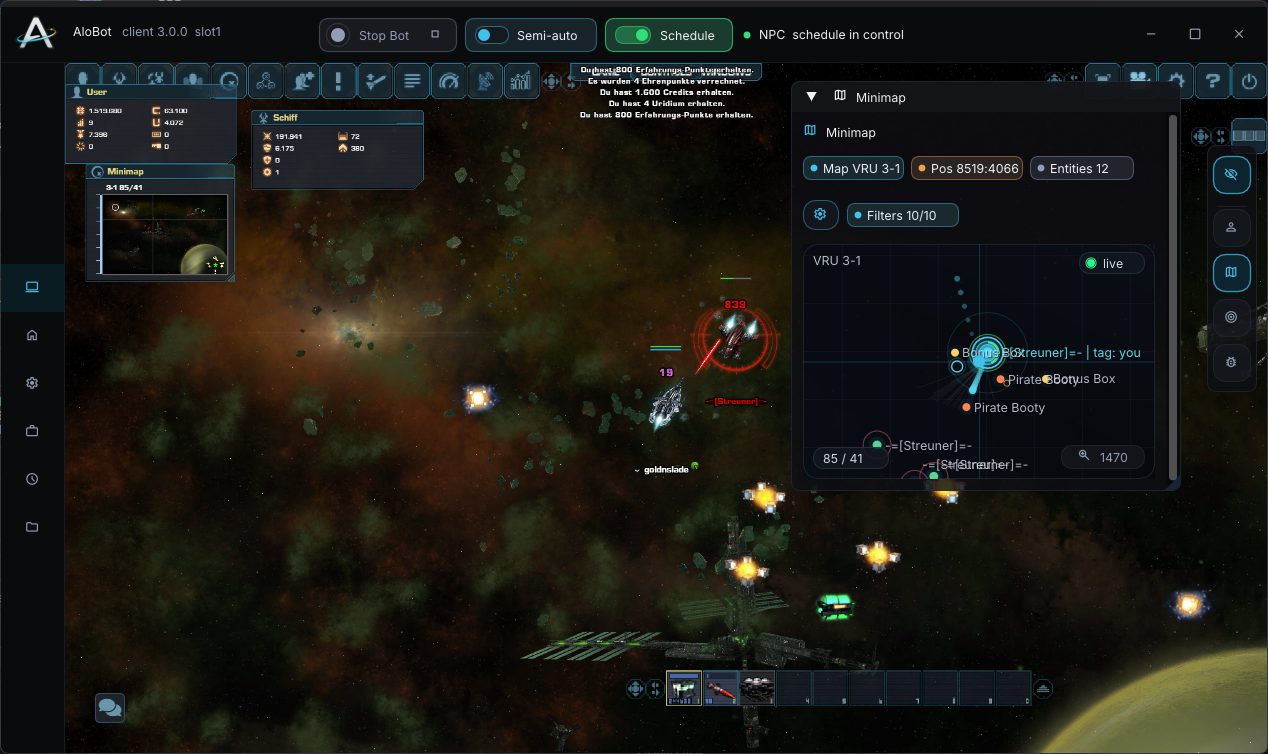
Use the real game client while AloBot adds its own controls and tactical minimap. Position, nearby entities, active targets and current activity remain visible while the bot is running.
One launcher
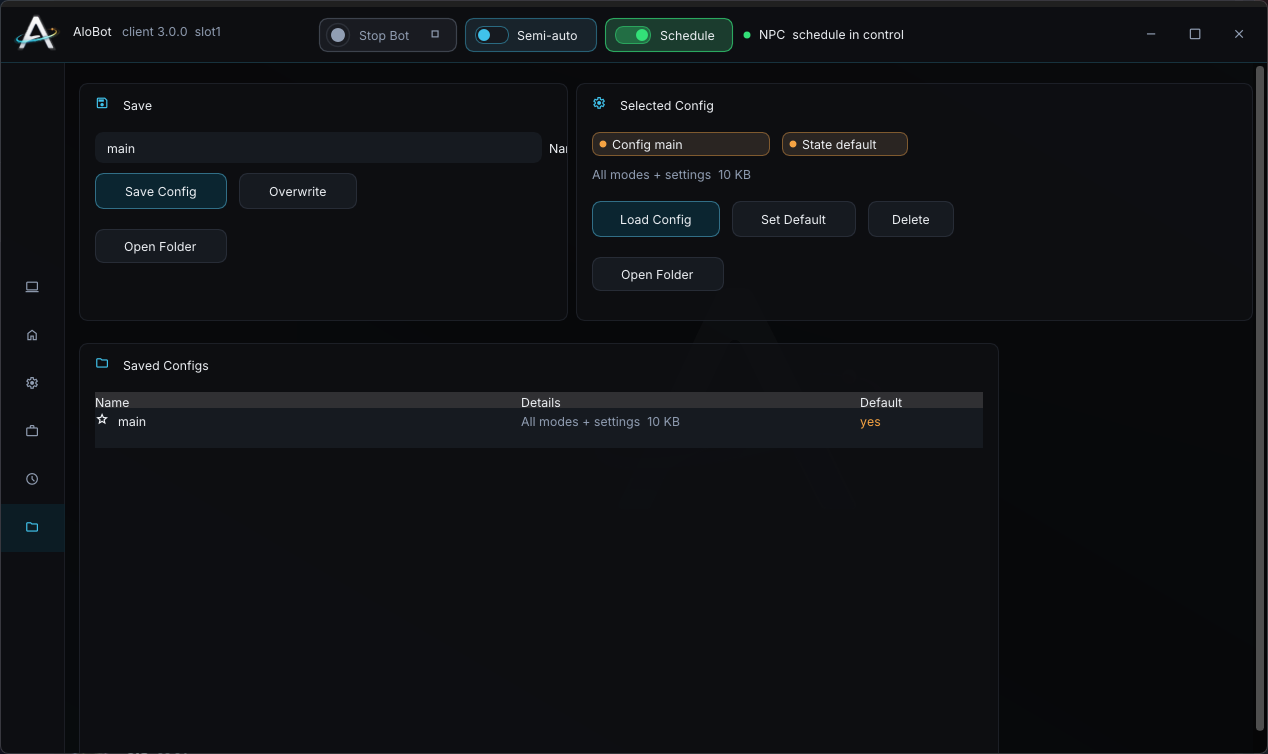
Create persistent slot profiles for supported games and keep every account configuration separate. Start, hide and stop clients from one clear overview.
Schedule
Build a visual timeline with farming blocks, maps, configurations and breaks. At the right time AloBot finishes its current work, moves to the required portal and continues with the next task.
Settings
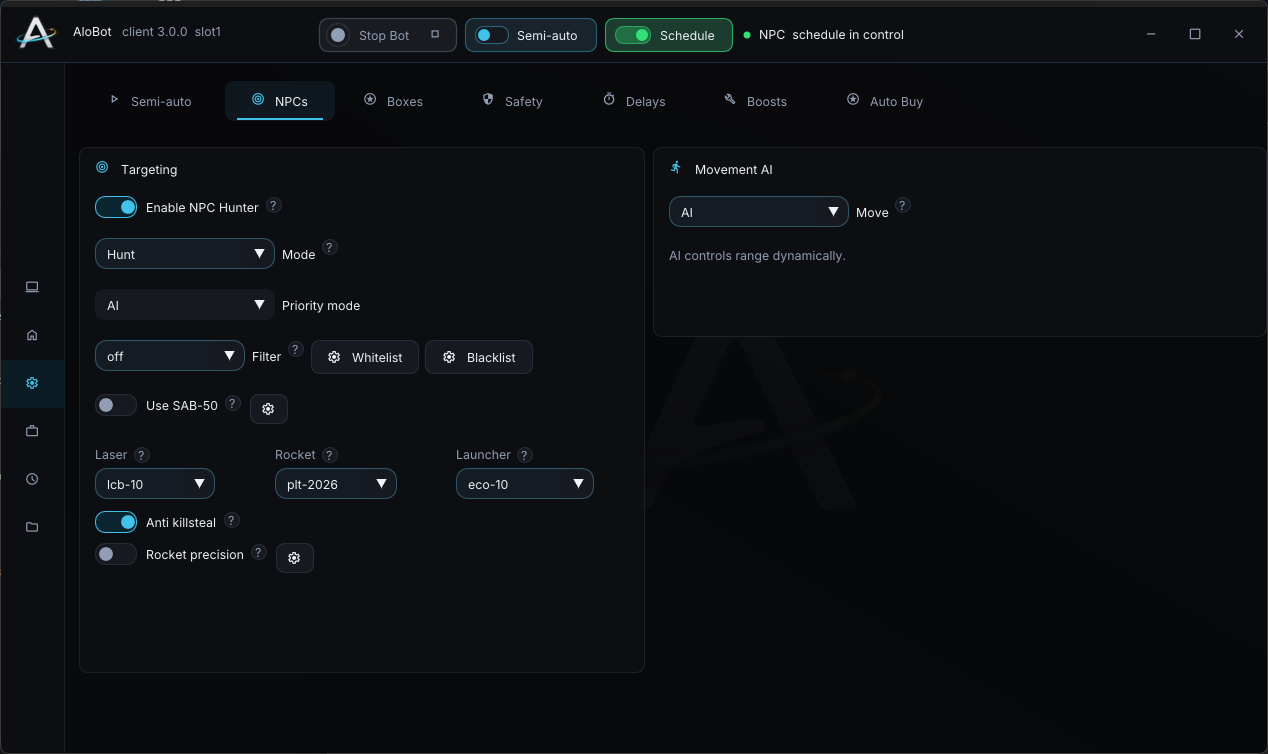
Combat rules, target priorities, ammunition, safety, delays and saved profiles stay organized by task. Each game only shows settings that belong to that module.
One account
Filtering, priorities, ammunition rules and Movement AI for combat.
Time blocks, map transitions, pauses and reusable configurations.
Repair, revive, border awareness and player-aware route decisions.
Adjustable ranges and controlled randomization across bot actions.
Keep the real game open and follow the bot through the tactical minimap.
Manage game licenses, payments and launcher downloads at alobot.gg.
FAQ
Yes. Your AloBot account manages all supported games. Premium access, modules and configurations remain separate for each game.
Yes. AloBot keeps the supported game client visible and adds its own controls and tactical minimap around it.
Create an AloBot account through Discord, then buy and activate Premium in your account at alobot.gg.
No. Features are released per game because every supported game has its own module and behavior.
Register through Discord, sign in to your account and choose Premium for your game.